S-Hub: One portal for systems, services & operational knowledge.
A centralized access window for clients, Sandlus teams, and approved third parties to reach SAP systems, support services, knowledge resources, and learning tools.
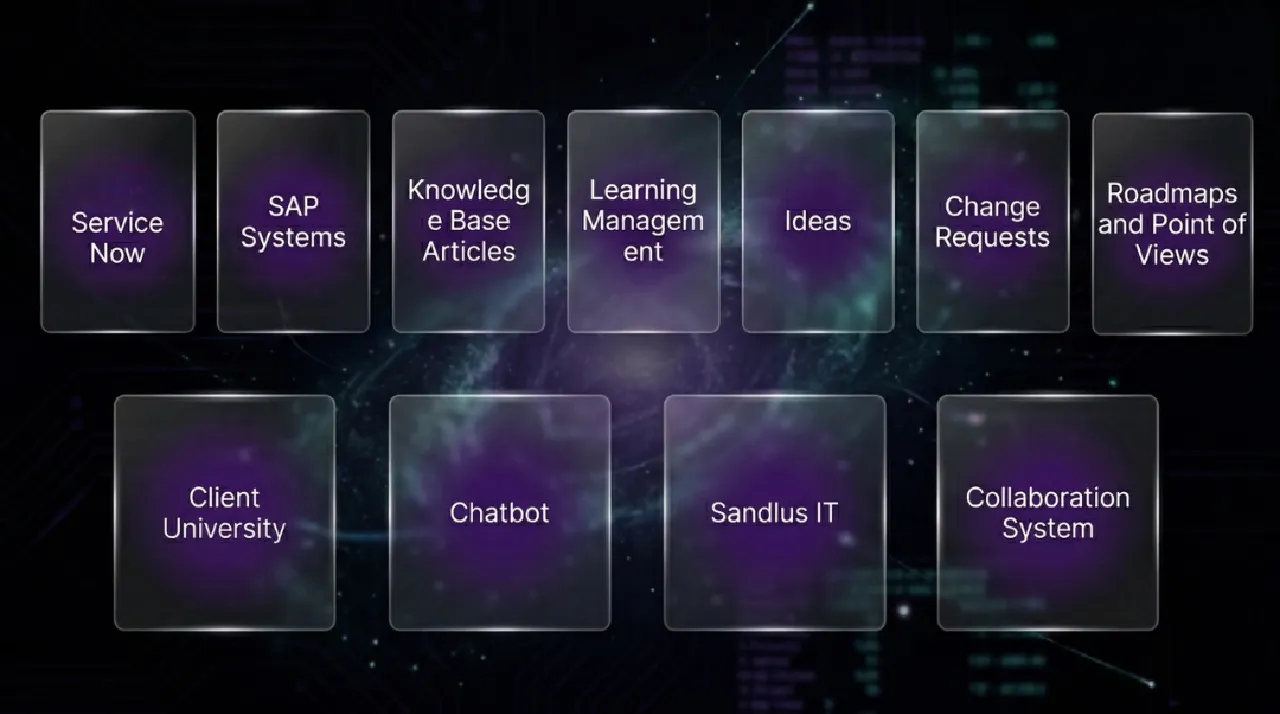
A centralized access window for clients, Sandlus teams, and approved third parties to reach SAP systems, support services, knowledge resources, and learning tools.
S-Hub is a centralized portal designed to bring together the systems, services, links, and information users need in one place. It is intended to support different user groups with controlled access to content based on profile, authentication, and authorization. Public visitors can see general content and offerings, while signed-in users see content specific to their role.
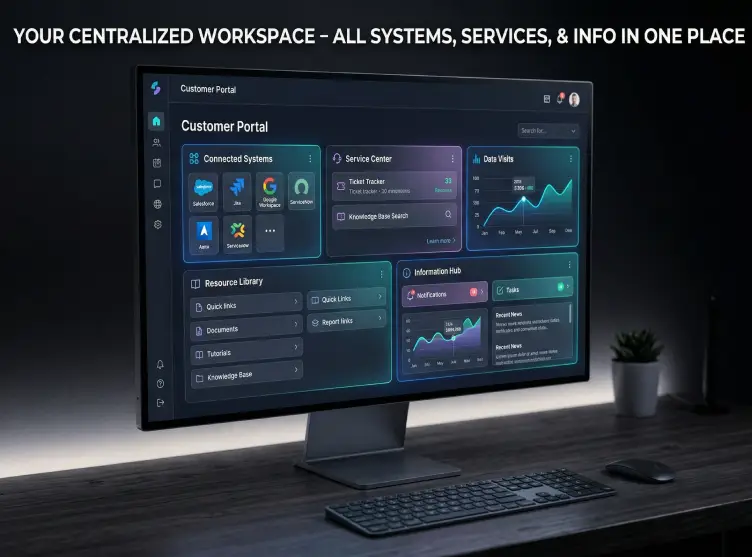

Access systems, services, reports, and knowledge relevant to their own environment.

Use one portal to reach support tools, client systems, tickets, and internal resources.

Navigate the same portal differently depending on whether their needs are functional, technical, or governance-related.
Get restricted access to the links, content, and collaboration points relevant to their role.

Give authorized internal Sandlus and client users a central place to access SAP landscapes grouped by Sandlus or client environment. Access can be shaped by user profile and authorization, with future support for audit-aware session handling.

Provide a connection point into Sandlus ServiceNow and related ticket workflows, with the long-term goal of interfacing with client ITSM systems so Sandlus users can check and respond to forwarded client-specific tickets.

Offer secure access to existing documents and future knowledge articles, with visibility driven by user group and confidentiality level. The model also supports search refined by keywords and generalized hashtags.
Create a central location for learning tools and training resources so users can expand capabilities and complete assigned learning, including links to current training platforms.
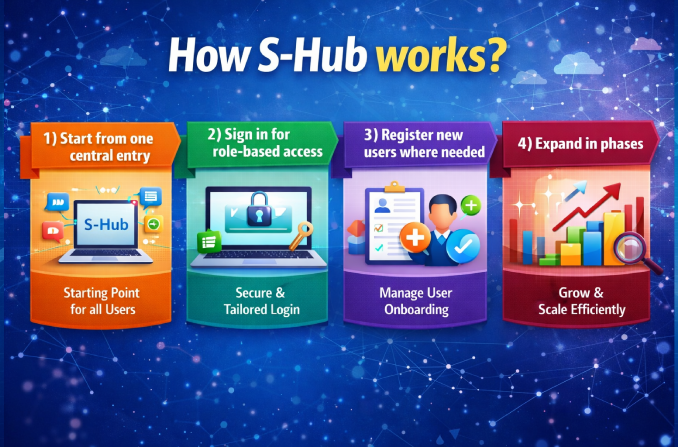
Users begin from a common landing page that introduces the portal and its available offerings.
Generic content can be available before sign-in, while signed-in users see content, systems, and links based on profile and authorization.
External users and client users can be registered to gain the appropriate level of access.
S-Hub is intended to roll out incrementally, beginning with a minimal viable structure and expanding over time.
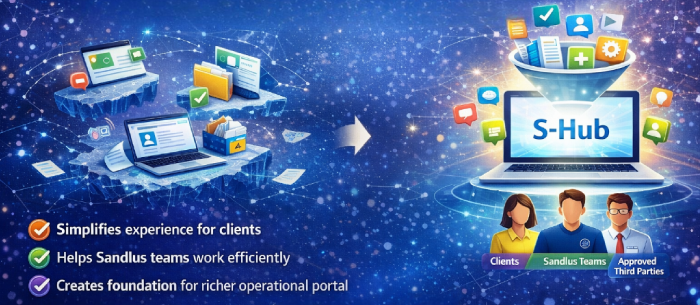
Support environments often become fragmented across systems, ticketing tools, documents, and training platforms. S-Hub creates a clearer front door into that ecosystem by bringing key resources into one place and shaping access by role. It is designed to make the experience simpler for clients, Sandlus teams, and approved third parties while creating the foundation for a richer operational portal in later phases.
S-Hub is a centralized operational intake and orchestration solution for SAP support environments. It gives teams a single place to manage requests, improve visibility, and coordinate work across internal teams, partners, and support providers.
Many organizations manage support requests across multiple channels, teams, and tools, which creates fragmentation, delays, and limited visibility. S-Hub helps bring that activity into a more structured and coordinated flow.
S-Hub is designed for SAP support organizations, IT leaders, service delivery teams, business users, and companies that want a more organized way to manage support intake and operational coordination.
A mailbox or spreadsheet can capture requests, but it does not provide structured intake, clear orchestration, or consistent visibility across teams. S-Hub is designed to create a more organized front door for support activity.
S-Hub can help centralize support requests, service coordination, operational intake, request visibility, and communication across internal teams and external providers.
Yes. S-Hub is intended to complement existing support and operational processes by creating a more structured intake and coordination layer, rather than forcing teams to abandon the tools they already use.
Yes. S-Hub is especially useful in environments where support work spans internal teams, external partners, AMS providers, or third parties and better coordination is needed across those groups.
Yes. S-Hub is especially relevant for mid-market organizations that want stronger operational control and visibility without introducing unnecessary complexity.
Enthusiastically disintermediate one-to-one leadership via business e-commerce. Dramatically reintermediate compelling process improvements rather than empowered relationships.